Introduction
SaaS teams that build AI UX patterns directly into their design system see feature adoption rates three times higher than teams that retrofit AI onto existing component libraries. The root cause of most AI-native product failures is not model quality. It is an experience layer that was never architected for how humans actually behave inside intelligent systems. This guide breaks down the four AI interaction patterns your design system must ship now, how to build them into your existing token architecture, and which components your competitors have not built yet.
AI UX patterns for design systems are reusable interaction primitives, including ghost text, form assist, proactive triggers, and memory control. These patterns encode AI behavior into a component library so every product surface handles AI consistently and builds user trust at scale. Teams that lack these primitives see prototyping accuracy plateau and adoption stall at specific workflow moments.

Key Takeaways
- Audit your component library this sprint: flag every AI touchpoint that lives outside your token system and schedule it for migration before your next release.
- Ship Ghost Text Completion as your first AI component; extend your existing input component with three new token aliases rather than building a parallel component from scratch.
- Before building Proactive Anticipatory Triggers at scale, run at least two usability test rounds with real workflow scenarios to validate trigger timing; premature suggestions erode trust faster than no suggestions at all.
- Structure Memory Modularity with on/off, log, and selective-delete affordances from day one; memory features built without visible controls consistently stall in user testing across healthcare and fintech contexts.
- Use Design Discovery to map your AI pattern gaps before building; misaligned patterns cause more adoption damage than missing ones.
Why Design Systems Break When AI Arrives
Static component libraries encode interaction states. They do not encode uncertainty, confidence, or anticipation, the three behavioral signals that define every AI interaction.
AI prototyping reaches about 70% design system accuracy in a single pass, improving over iterations(Atlassian). That 30% accuracy gap comes almost entirely from AI-specific interaction patterns missing from the design system at the point of prototyping. Teams without system-ready AI pattern components plateau early and pay for it in adoption metrics.
When a user sees ghost text appear in an input field, their brain runs a trust calculation in under 300 milliseconds. The suggestion either feels intelligent and earns a Tab-key acceptance, or it feels wrong and the user overrides it with increased cognitive load. Multiply that across every session and the cumulative retention effect is measurable and compounding. This is why Design System for Existing Products is not a polish decision. It is an adoption decision that compounds with every AI surface the product ships.
The product teams winning on adoption are not winning because their model is better. They are winning because they made AI behavior predictable, trustworthy, and recoverable inside a consistent component framework. That is a design system problem, not an engineering problem.
Read why AI features fail at the UX layer for the failure taxonomy behind these adoption gaps.
The Four Core AI UX Patterns, Defined

Four patterns leverage AI to provide improved user experiences, beginning with the form-filling pattern(Atlassian). Each maps to a specific user trust state and a specific component specification your design engineer can build against.
Ghost Text Completion
Ghost text completion is the inline display of AI-generated predictive content inside an active input, rendered at reduced opacity and accepted or dismissed without interrupting the user’s flow.
This is the most production-ready AI UX pattern available today. It has a clear affordance model (opacity signals “not yet committed”), a clear interaction contract (Tab accepts, any keystroke dismisses), and a clear failure mode (suggestions that misfire on the first two attempts teach users to ignore the component entirely).
Build ghost text as a variant of your existing input component. Extend your token set with three new values: suggestion text color (typically 40% opacity of your base text color), suggestion background (transparent or a 4% tint), and suggestion transition duration (80 to 120ms to feel instant without visual jarring). Do not build it as a standalone component. A ghost text element that inherits nothing from your base input token system will drift across every product surface it touches.
AI Form Filling
AI form filling UX is the pattern where an AI agent pre-populates structured form fields from context, prior user inputs, uploaded documents, or behavioral history, with explicit user review before submission.
The trust requirement here is higher than ghost text. Users submitting pre-filled data into consequential workflows (insurance claims, onboarding flows, GRC checklists) need two things: a clear signal that the AI populated the field, and a one-action path to override it.
Build this as a field state variant, not a separate component. Your form field component should carry an AI-filled state with a distinct visual treatment. A subtle left-border accent in your brand’s secondary color works across most systems. Add a confidence signal: a text label reading “AI suggested” with a dismiss affordance. Keep the label in your tertiary text style so it does not compete with the field value for visual weight.
Proactive Anticipatory Triggers
Proactive anticipatory triggers are system-initiated suggestions or prompts delivered before the user explicitly requests them, based on behavioral context or workflow state.
This is the highest-risk pattern in the set. When triggers fire at the right moment, they feel intelligent. When they misfire, surfacing a suggestion two steps too early, users rate the product as intrusive, and dismiss rates climb sharply.
AI UX functions as a design challenge centered around uncertainty, collaboration, and control, not just automation(Eleken) Proactive triggers are where that principle becomes most testable. Prototype this pattern in isolation before it enters your design system. Run at least two rounds of usability testing with real workflow scenarios. Only codify it into a system component after you have validated the trigger logic against actual user behavior in your specific product context.
Memory Modularity
Memory modularity is the architectural pattern that gives users explicit visibility into, and control over, what an AI system remembers about them across sessions.
This pattern has almost no mature component precedent in existing design systems. Most teams treat memory as a backend concern and surface nothing to the user until a privacy incident forces a retroactive UI solution.
Build memory controls as a first-class settings pattern. Users need three affordances at minimum: a memory status indicator (on/off), a memory log (what the system remembers), and a selective delete control. Each maps to an existing component type in most systems: toggle, list, and destructive action button. The AI-specific work is naming them correctly and placing them in a discoverable location within your settings architecture.
How to Structure These Components Within Your Token System
Service programs in the AI design space include AI product launch, AI and data product UX redesign, AI UX patterns, generative AI design systems, and brand and website demos for AI products(Finance). What that list reveals is the gap, no agency has published a token-level specification for AI interaction patterns. That gap is where design systems break down in practice.
Do not create a parallel AI token layer. Extend your existing semantic token set with AI-specific aliases. Your existing color/text/primary token does not change. You add color/text/ai-suggestion as an alias referencing a specific opacity variant of your base text color. This keeps AI components inside the inheritance chain.
| Pattern | New Tokens Required | Ships on Existing Component | Prototype First | Relative Trust Risk |
|---|---|---|---|---|
| Ghost Text Completion | 3 | Yes, input variant | No | Low |
| AI Form Filling | 2 | Yes, field state variant | No | Medium |
| Proactive Triggers | 4 | Partial, new trigger wrapper | Yes | High |
| Memory Modularity | 2 | Yes, settings pattern | Yes | High |
Ghost text requires the fewest new tokens and ships on an existing component with no new primitives. Memory modularity requires only 2 new tokens but needs prototype validation before entering the system. Proactive triggers carry the most token surface area and the highest prototype-first requirement. Build in that order.
Profit Optics shows what system-level design can change
For Profit Optics, reloadux built a custom design system and plugin-led workflow for an Inc. 5000 consulting firm. The system helped teams move from scattered interface work to a faster, reusable product design workflow where approved components, layouts, and visual rules could be applied consistently across screens.
The result was a 10x efficiency gain across design system workflows.

Variants and States Every AI Component Needs
Every AI component needs at least one state your existing components do not have: a loading state for when the AI is generating, and an error state for when generation fails or confidence falls below threshold.
Teams that skip the AI error state create ghost text components that silently return nothing. Users interpret silence as a broken product, not a low-confidence model. Surface a brief “no suggestion available” micro-copy in your tertiary text style. One line. No apology. Just a clear signal that the system ran and found nothing useful.
Common Failure Modes in AI UX Design Systems
Most AI product teams encounter the same four breakdowns. Each one is preventable with pattern discipline.
-
Failure 1: Ghost text that ignores user corrections. A ghost text component that repeatedly suggests content the user has already dismissed teaches users that the AI is not listening. The fix is dismissal memory at the component level. After two dismissals of the same suggestion type, suppress that category for the session.
-
Failure 2: AI form fill without a confidence signal. Users who cannot distinguish between AI-populated data and data they entered themselves make submission errors. In healthcare and fintech contexts, this is a compliance risk, not just a UX issue. Every AI-filled field needs a visible provenance marker.
-
Failure 3: Proactive triggers that fire on page load. Surfacing a suggestion before the user has taken a single action in the workflow is the fastest way to train dismiss behavior. Triggers should fire on a behavioral event, not a time or load event.
-
Failure 4: Memory controls buried in settings. If users cannot find the memory on/off toggle within two navigation steps from the main interface, they will not trust that memory management exists. Pair your memory modularity pattern with a contextual entry point near the interface where memory is most visible.
Read how to design AI interfaces users trust for the full trust calibration framework behind these failure modes.
Conclusion
Four patterns separate AI design systems that drive adoption from those that accumulate UX debt quietly. Ghost text completion and AI form filling are ready to ship now, inside your existing token architecture, as component variants. Proactive triggers and memory modularity require prototype validation before they enter the system, because both carry trust dependencies that component design alone cannot resolve.
The teams that will lead on AI product adoption in the next 18 months are not building better models. They are building better component systems that make AI behavior predictable and trustworthy at every surface. That work starts in the design system, not the backlog.
If your team is ready to map AI patterns to your existing component library, start with a Design Discovery session to identify which patterns will create the most adoption leverage before you build.
How reloadux Approaches AI Design System Builds
At reloadux, we use a structured three-phase process for AI design system engagements: Design Discovery (mapping your existing component library against the four AI interaction patterns), AI Opportunity Mapping (identifying which patterns your product surfaces need and in what order), and AI-Native Component Build (delivering component specifications with full token extension guides, variant sets, and AI state documentation).
The Design Discovery phase typically surfaces two to three AI pattern gaps in a product’s existing design system within the first week. These are not theoretical gaps. They are missing component states that cause measurable drops in feature adoption at specific workflow moments. We map them to user behavior evidence before we build a single component specification.
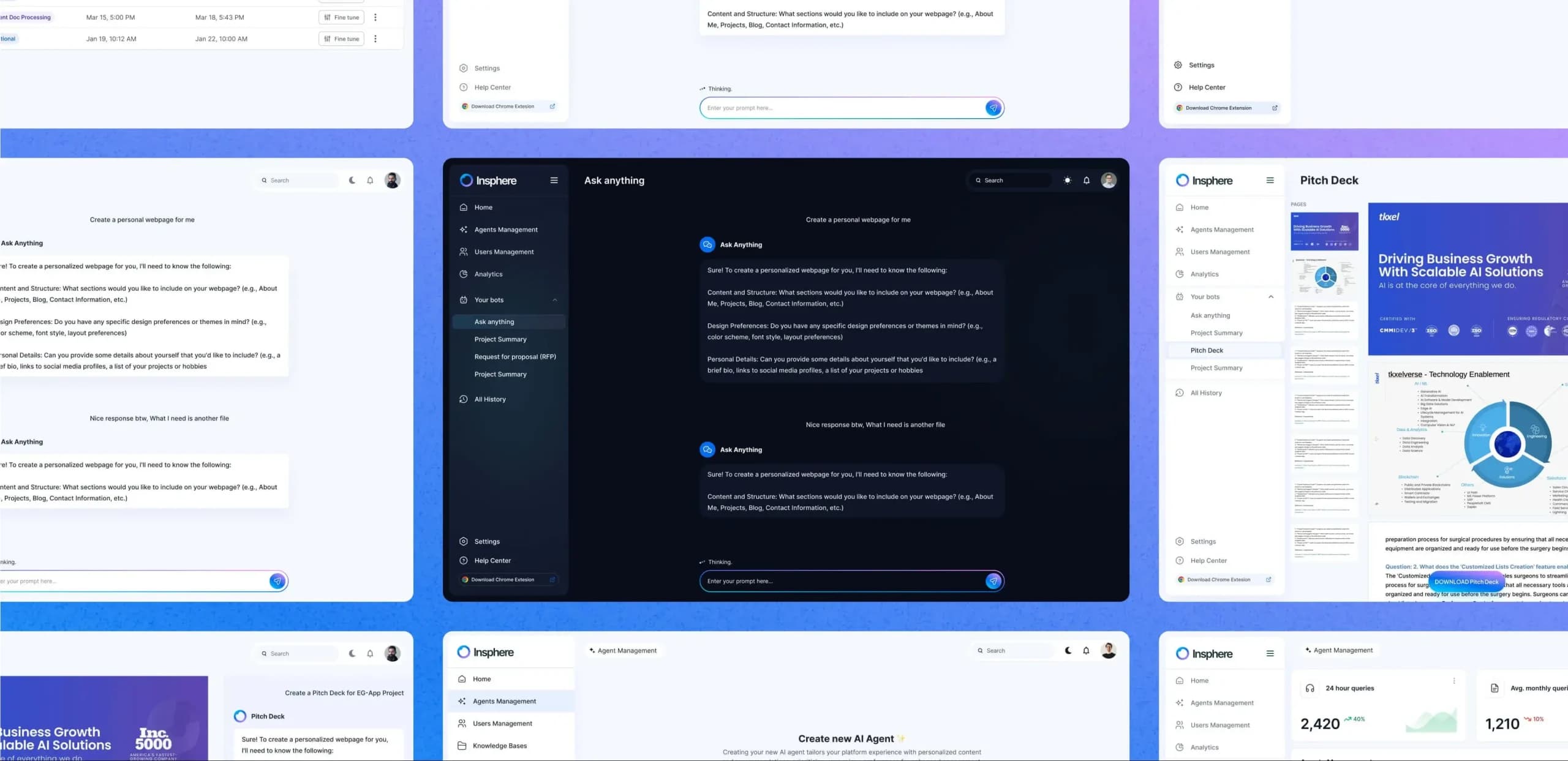
Across the SaaS, fintech, and healthcare products we have shipped, 95% of our clients return for additional engagements. Vocable saw a 40% increase in trial-to-paid conversion after we rebuilt its AI interaction layer as a coherent component system. The Insphere team achieved a 3x improvement in feature adoption after we introduced memory modularity controls and a proactive trigger pattern into their existing design system. The pattern is consistent: AI UX investment at the design system level produces compounding returns across every product surface it touches.