
















What We’re Seeing
AI tools can build faster, but they cannot fix a missing system.
AI-assisted development tools generate UI faster than any team can manually review. That speed is real, and so is the risk. Without a shared system of tokens, components, and behaviour rules, every sprint produces new inconsistencies. Designers invent patterns. Engineers build one-off components. Vibe coding tools generate screens that look right but don’t match anything else in the product.
It’s not just visual drift. AI states, trust signals, and recovery flows start working differently across the product. An AI-native design system keeps those decisions consistent across every screen, sprint, and tool your team uses.
62%
fewer design disparity across flows
78%
better workflow efficiency with systems
56%
faster time-to-market for new features
82%
lower design-related technical debt
AI products across industries.
Transforming how content marketers use GenAI in their day-to-day.
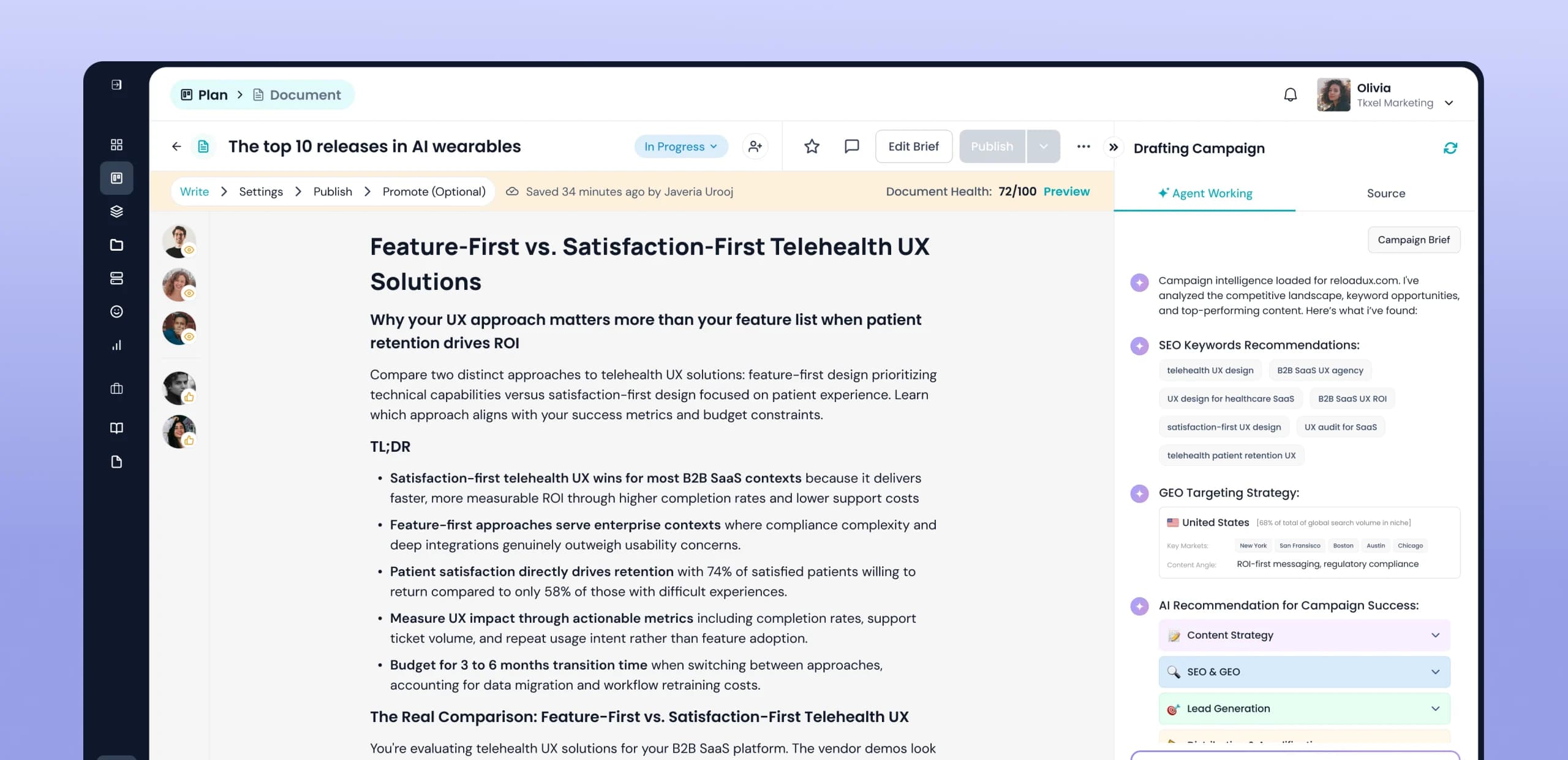
Supercharging corporate potential with unified knowledge bases.
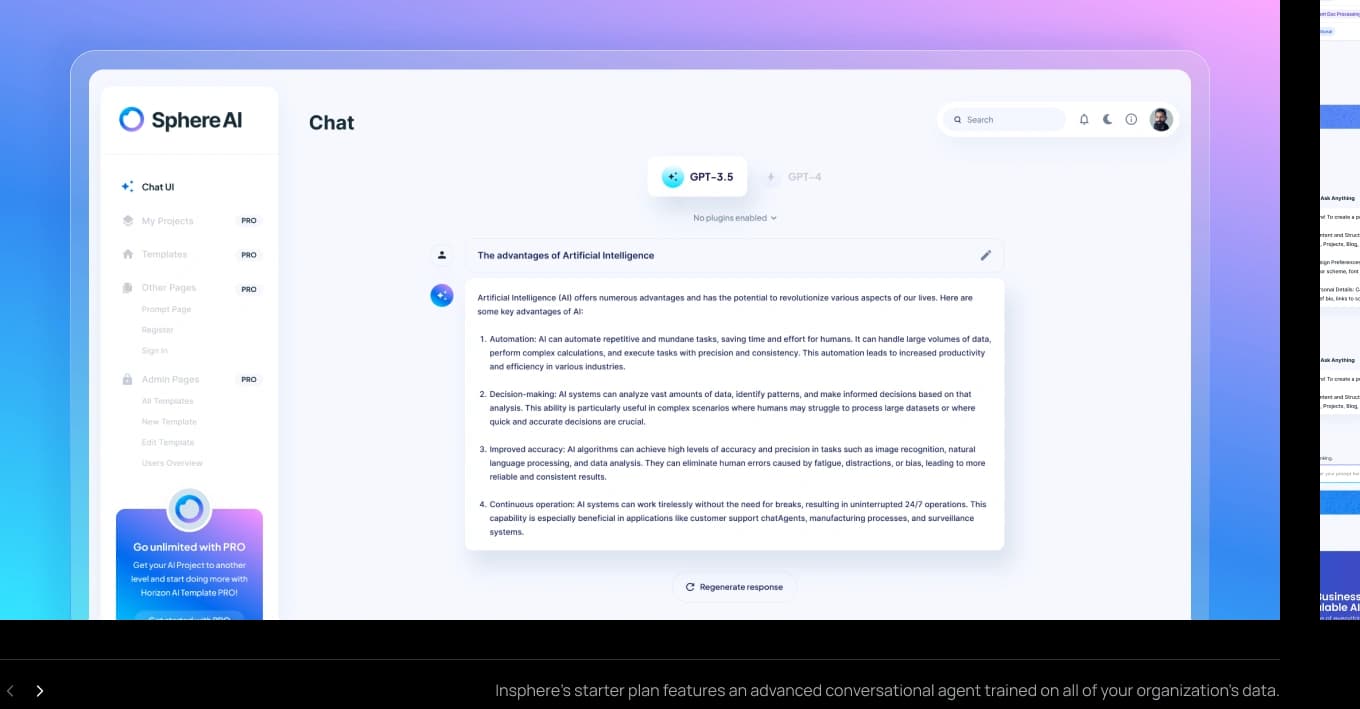
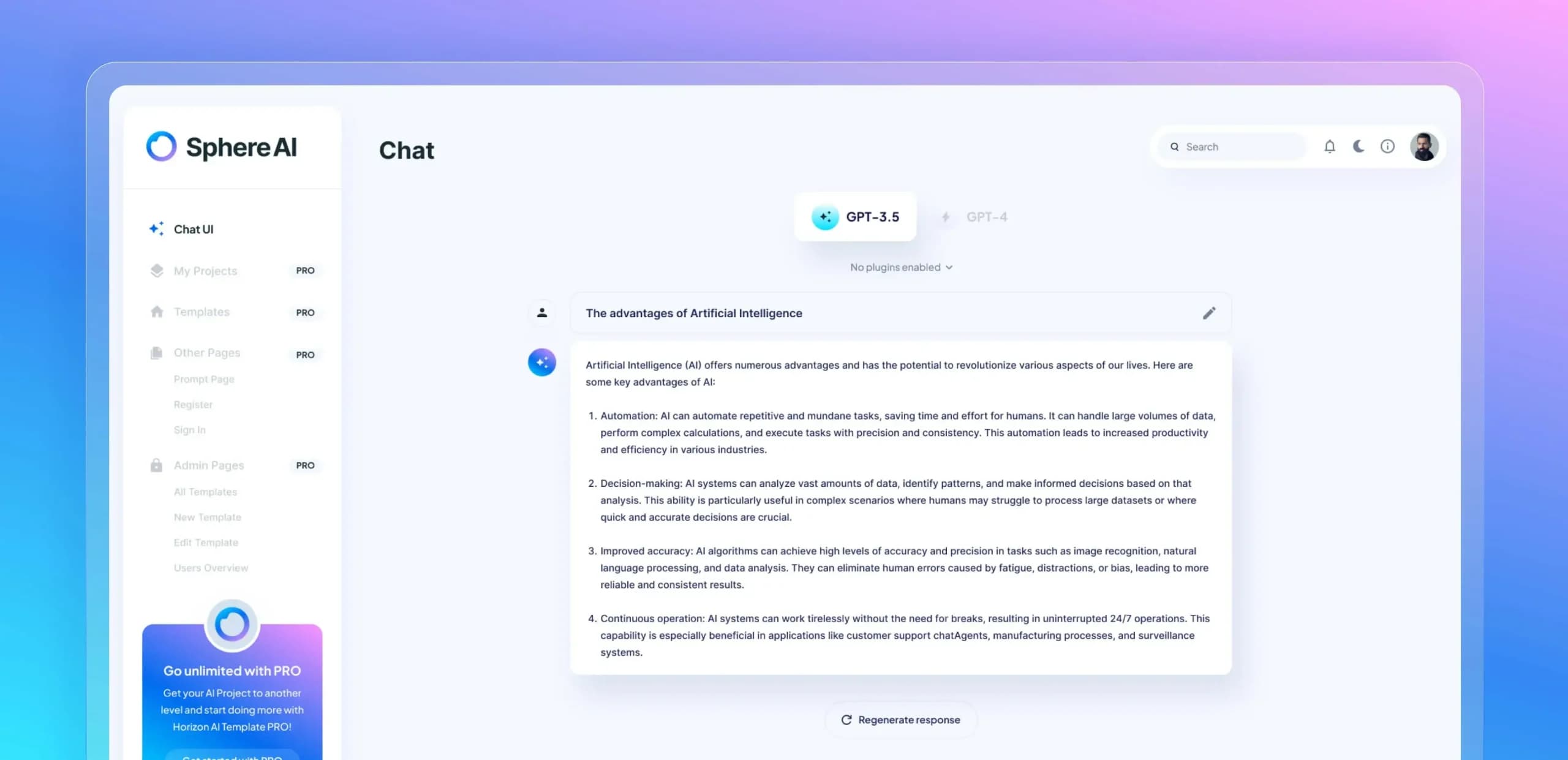
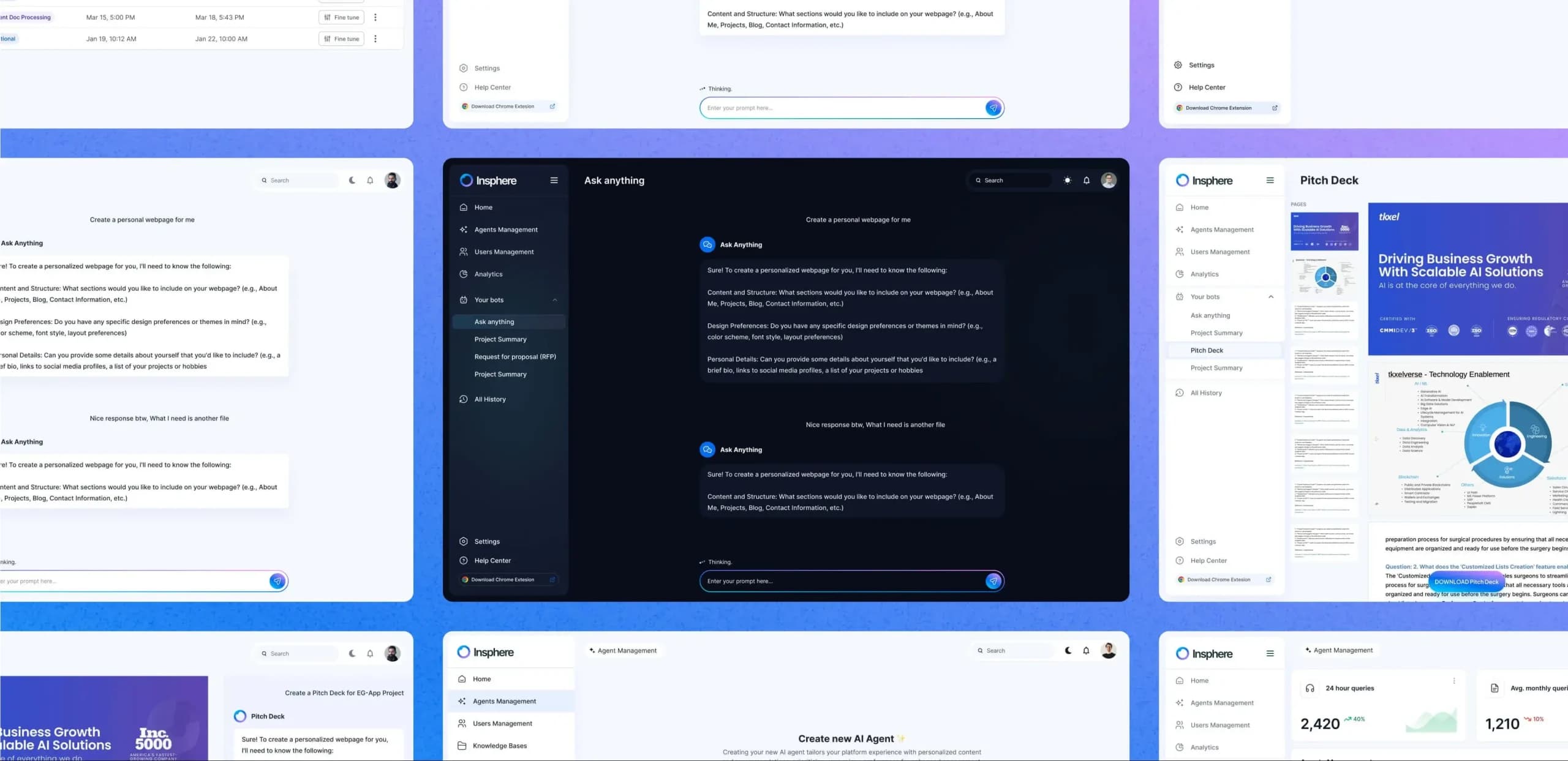
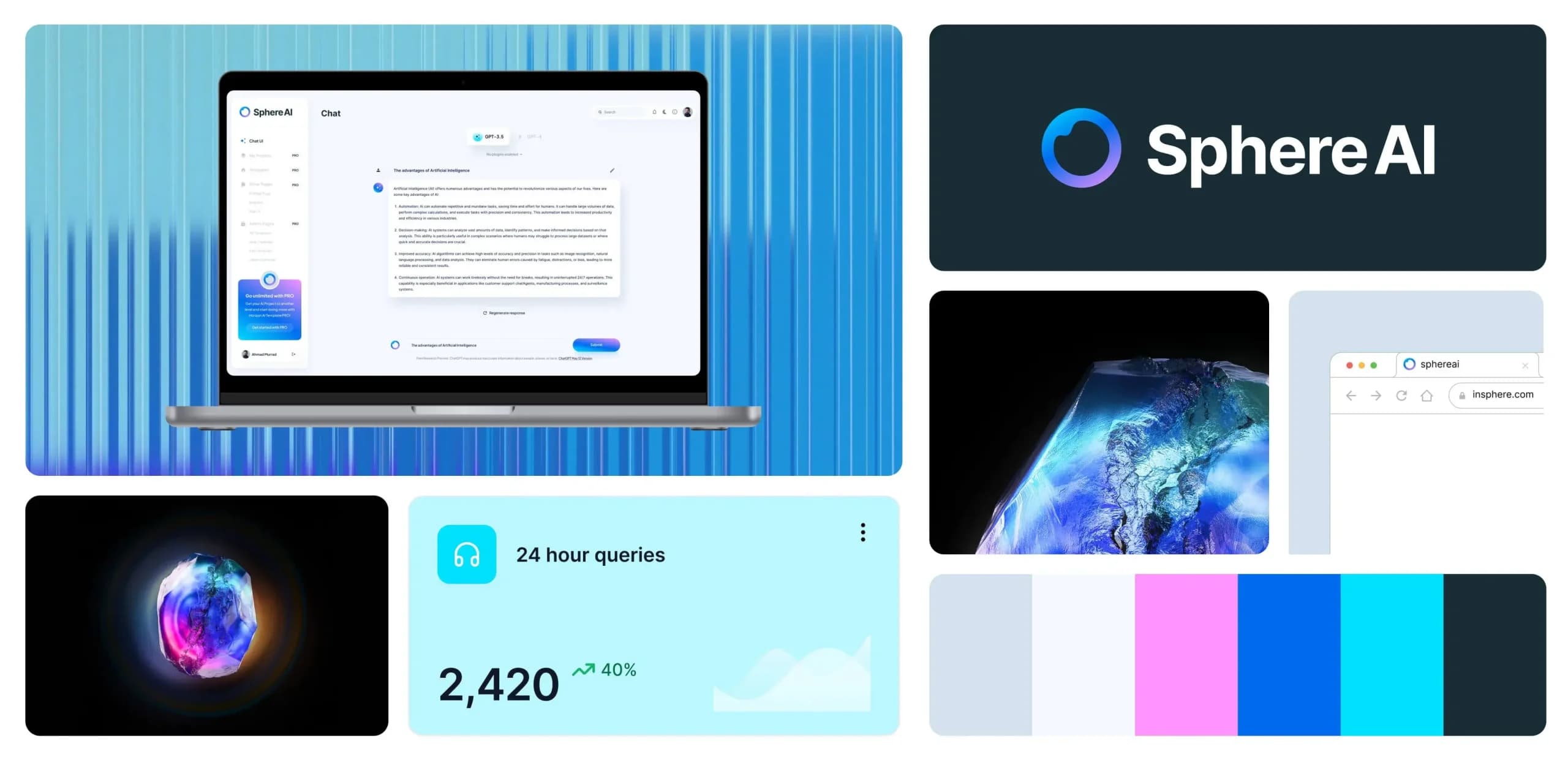
The AI-specific building blocks your product is missing.
A structured input experience that helps users give clearer instructions, add context, attach files, and get better AI responses.
A reusable output area for AI-generated summaries, drafts, recommendations, tables, citations, and next-step actions.
Shows AI responses as they are being generated, so users know the system is working in real time.
Helps users verify where the AI pulled information from before they trust or act on it.
A visual signal that shows when the AI is unsure, missing context, or producing an answer that needs review.
A review step that lets users approve, edit, or reject AI-generated actions before they affect real systems.
Communicates what the AI is currently doing, thinking, waiting on, or has just completed.
Handles model failures, timeouts, or weak responses with a clear message and recovery action.
Lets users request a new response without restarting the entire workflow.
Captures user signal on AI output quality without interrupting the flow.
Displays what an agent has taken or is about to take, with context, status, and an option to intervene.
Shows what the AI is referencing, a file, data source, or prior message, so users always know what shaped the response.


How We Work
How an agentic UX design engagement works.
We define the behavioural and visual foundation, how your AI acts, what states it produces, and what the system needs to cover to support it consistently across every surface.
We define the token system, component scope, AI interaction pattern library, and documentation structure. This is the decision layer, what the system covers, how it scales, and how your team will use and contribute to it.
We build the system: components, AI states, documentation, and design system foundations in code. Every component is designed for your product’s actual use cases.
A system only works if your team uses it. We document every component with usage guidelines, AI-state specifications, and onboarding material for designers and developers, so new team members can contribute from week one, not week six.
The product changes. The system has to keep up. We offer ongoing maintenance cycles, adding components, refining patterns, and resolving drift between the system and the live product as it grows.
What You Get
A complete AI-native design system in
your codebase.
Full component library
Built around how your AI product behaves, not adapted from a generic template
AI interaction pattern library
Loading, streaming, uncertainty, correction, and fallback as one coherent system
Codebase integration
Design system foundations in your stack from day one. Engineers build from the system, not around it
Documentation in your codebase
Living docs in Cursor or Claude Code, where your team actually works
Onboarding guide
New team members productive from week one
Contribution model
Clear process for adding components and deprecating patterns as your product grows
Two kinds of teams come to us.


Your product is growing faster than your design process. New features ship weekly, new AI capabilities land, and the interface accumulates, one screen at a time, until it feels like three different products wearing the same logo. You need a system that keeps up with the product, and one that accounts for the AI states a standard component library was never designed to handle.


You’re adding AI capabilities to an existing product. The new features don’t match the old ones. Trust signals, loading states, and correction flows have no design precedent in your current system. We build the AI layer your existing design system is missing, without rebuilding everything from scratch.
Every week without a system is another week of design debt.
Start with a free assessment. We’ll audit your product, map the gaps, and tell you exactly what a system needs to fix.
Before You Ask
Your questions, answered.
Standard discovery is about scoping features and defining requirements. AI product discovery adds a layer most agencies skip, mapping AI behaviour end to end, designing for failure states, and planning for trust. Your users will interact with something that can be wrong. That has to be designed for from day one.
Yes, and this is increasingly common. Many founders come to us with something already built using AI tools. Discovery in this context means evaluating what exists, identifying completeness gaps, and redesigning with taste and trust built in.
We deliver a front-end code prototype, not a Figma file. Components and design system foundations are already set up in the codebase so your dev team can build directly from it.
Yes. Understanding what your AI can and can’t do is part of how we define use cases. We work alongside your technical team to map model capabilities and design around real constraints, not assumed ones.
Two weeks, typically. We cover two to three major use cases end to end, happy paths, failure states, and AI behaviour, with an interactive prototype and direction for the full product at the end.
Discovery feeds directly into the build phase. If you’re continuing with us, your designer is already one sprint ahead of development. If you’re taking the work in-house, your dev team has everything they need to build without ambiguity.
[ Connect with us ]
Let's talk about your product.
Hate contact forms? Direct Contact!



Sahar

Key Account Manager

Lara Kazan
Business Development Executive
Next Steps

We'll respond within 24 hours.
Our UX Expert will collect project details and create a brief.
We'll prepare estimates and share a project proposal.